
Classic board party
Roll dice, chase Stars, and push your luck across the game board.
Main modeStrategy

Image-first, single-file HTML encyclopedia
This version uses real Nintendo-hosted artwork and screenshots instead of placeholder SVGs. It is still a single self-contained HTML file, with click-to-zoom image cards and a clean wiki-style structure.
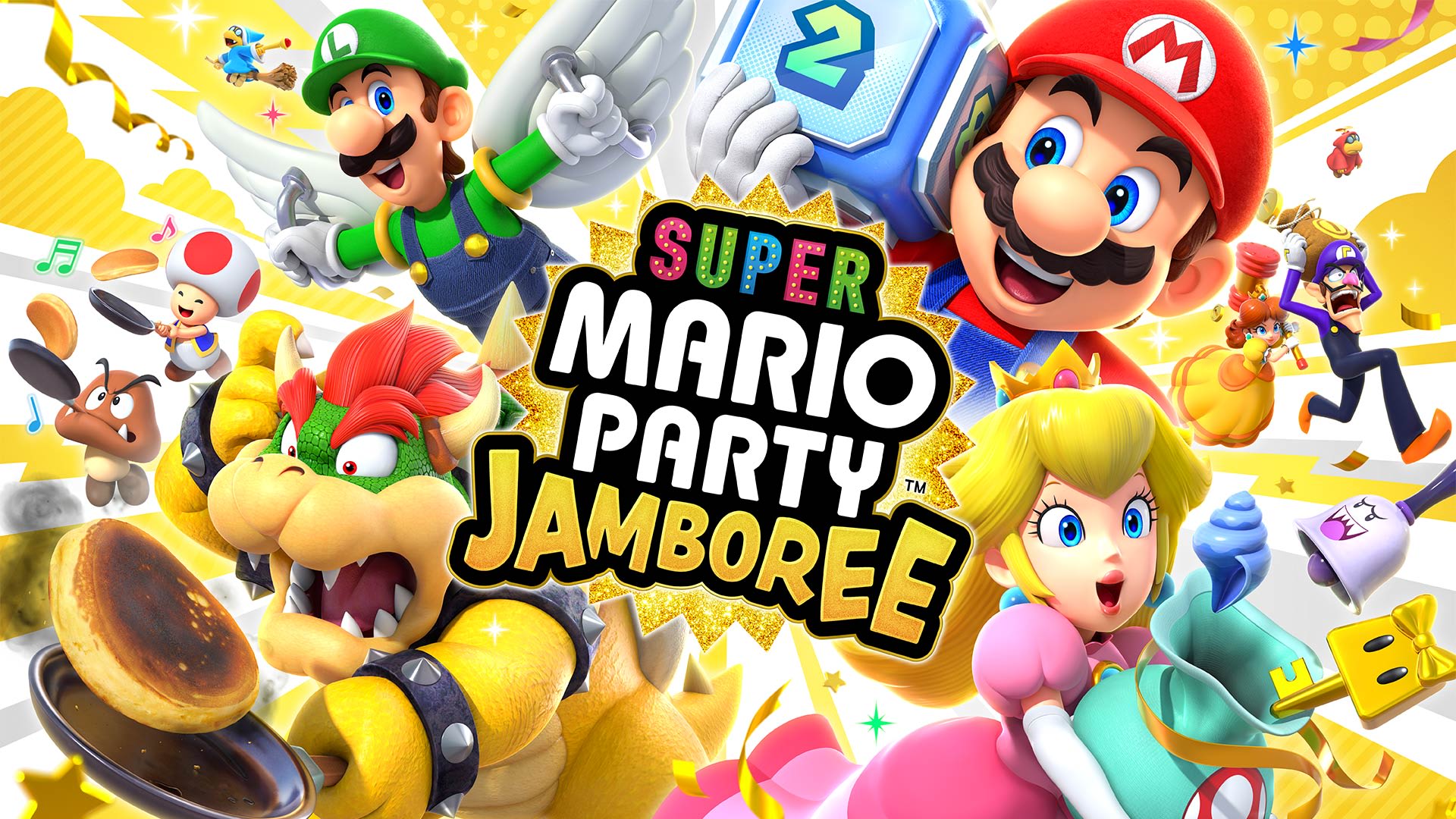
A visual summary panel for the game’s identity, platform, and core pitch.
Roll dice, chase Stars, and push your luck across the game board.
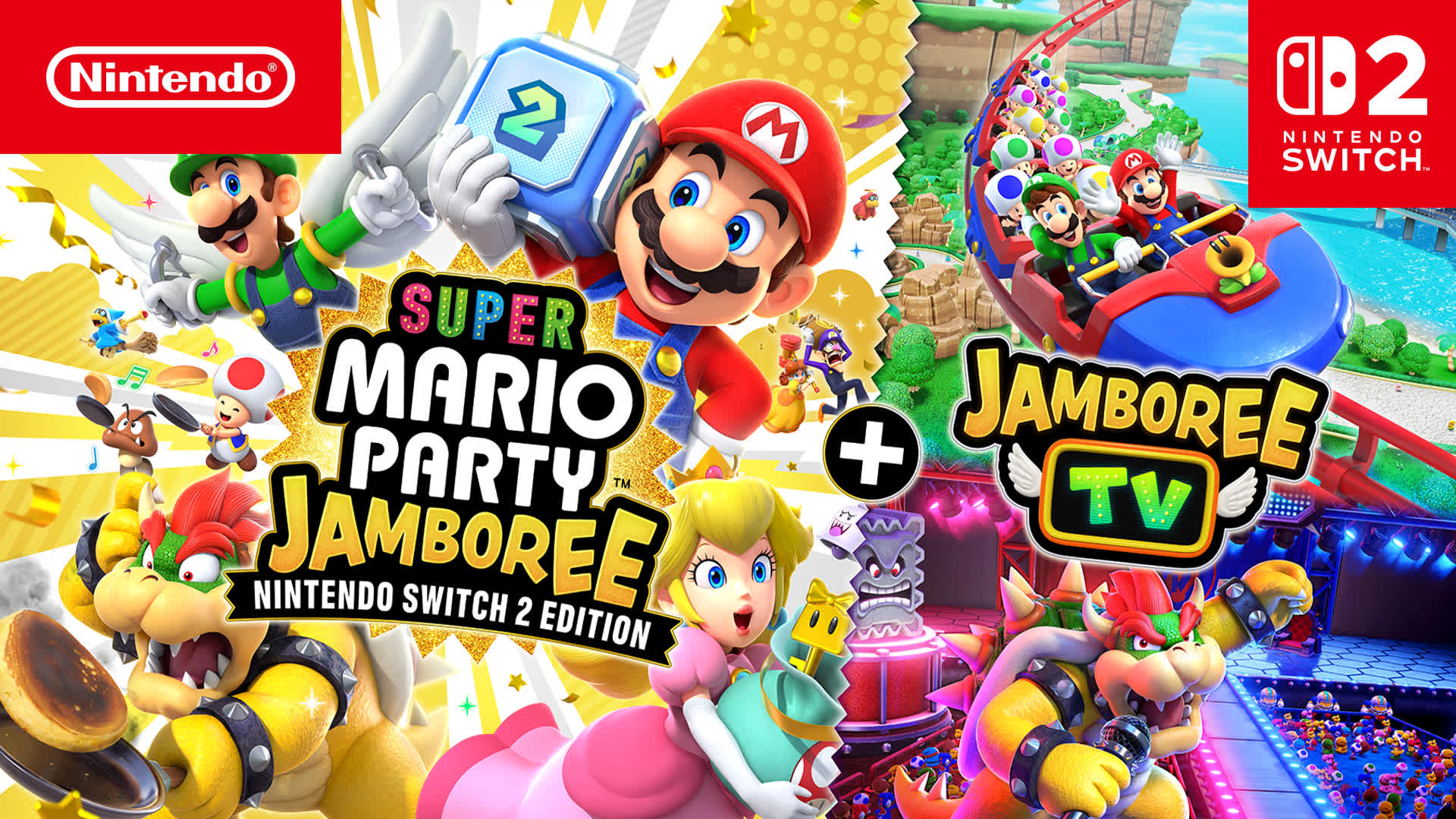
Team-focused and show-style play adds variety beyond standard boards.
A fast, competitive presentation works well for race-style side modes.
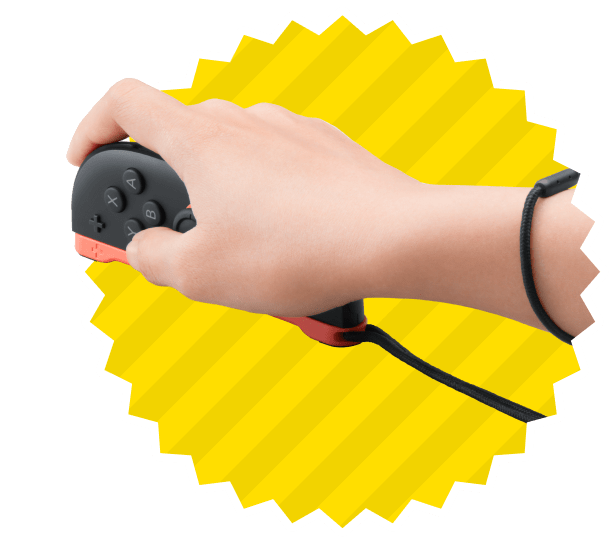
Some minigames use motion, mouse controls, microphone, and camera support.
Seven boards: five brand-new boards and two returning classics.
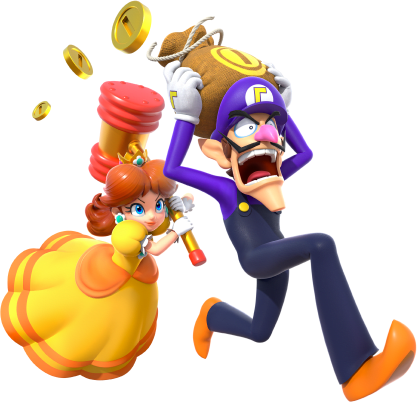
Use this image slot for a board entry card or map view.
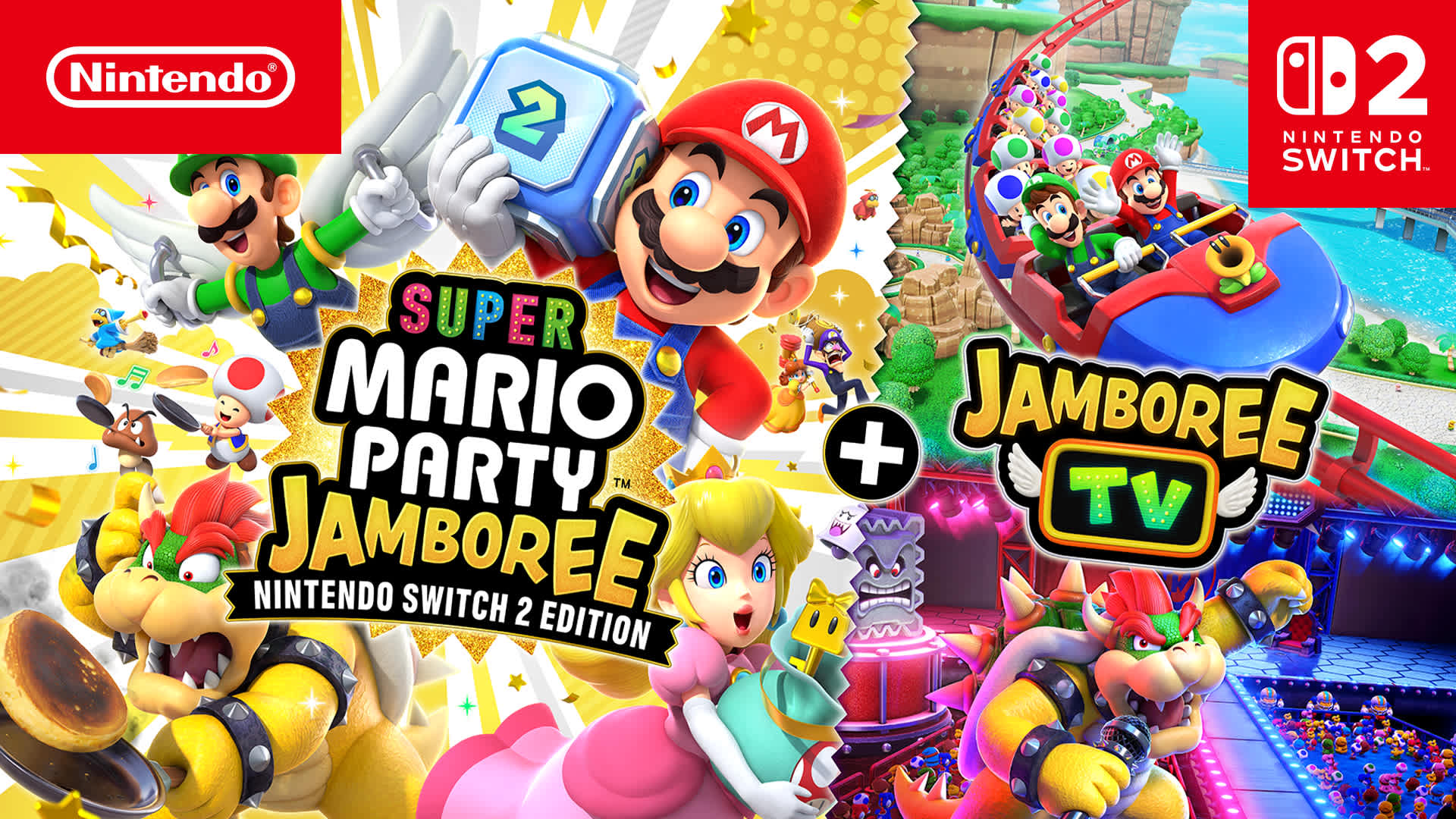
High-speed layout and bright billboard-like presentation.
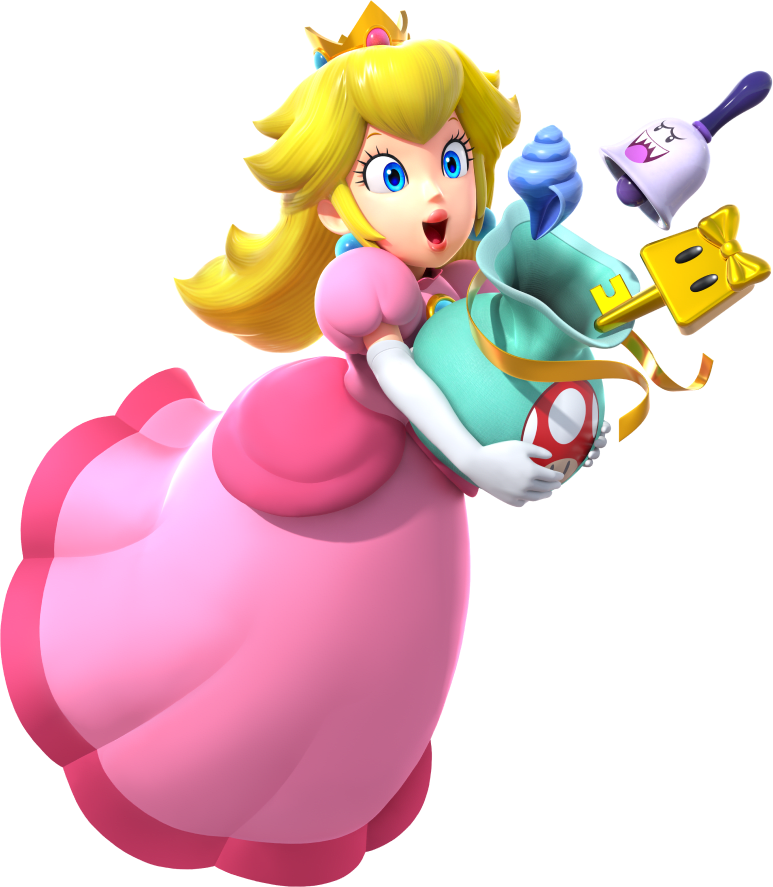
Tropical page styling works well for island and shoreline boards.
The dark, high-contrast art fits a villain-heavy board section.
Use the cover art for a title-card or board index tile.
A returning-classic slot can use any strong official splash image.
Use image-led cards for each major mode or ruleset.
Board movement, Star hunting, item play, and turn-by-turn minigame pressure.
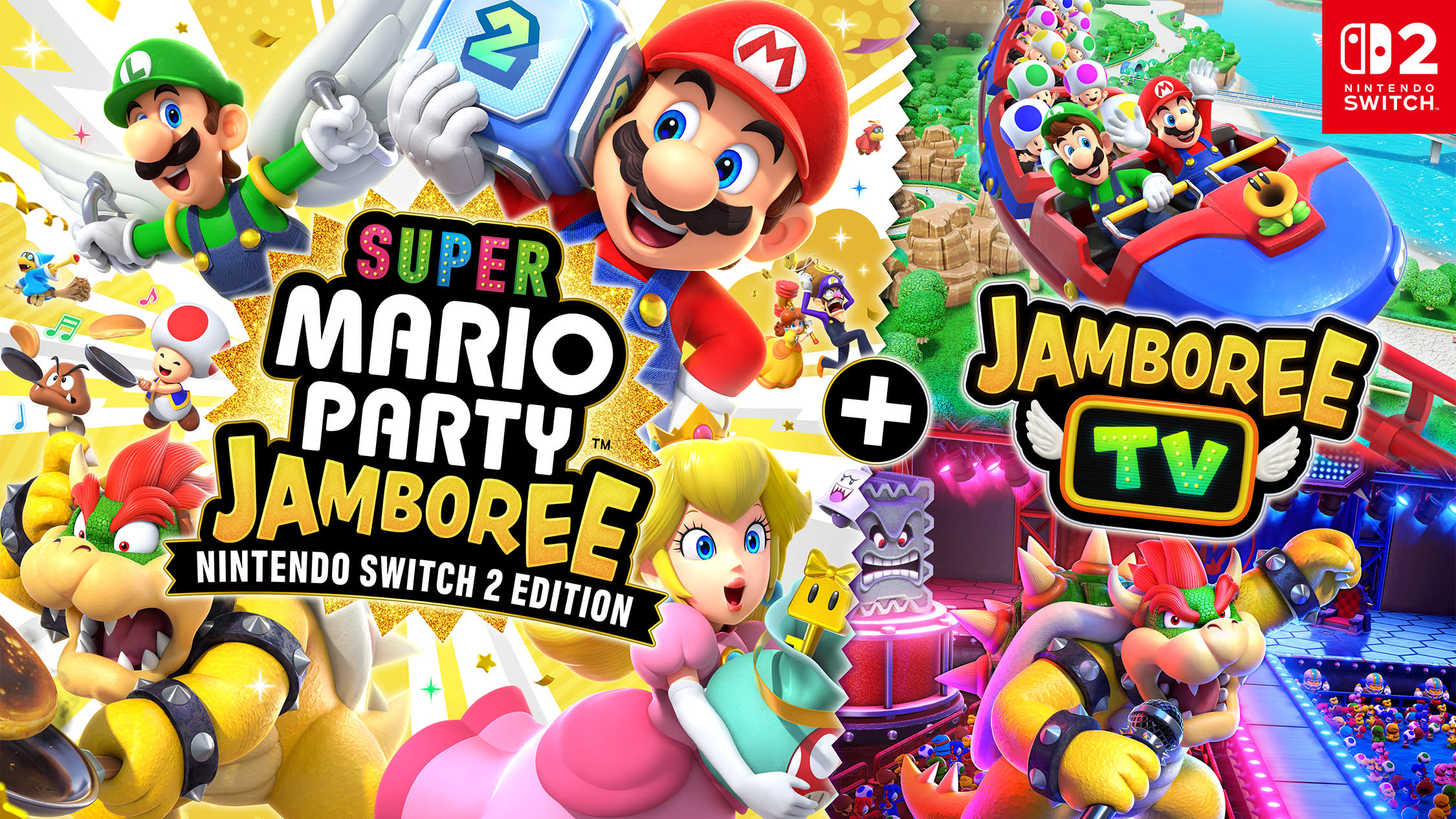
The Switch 2 edition’s show-style presentation works well as a dedicated mode panel.
A competitive race-style mode pairs nicely with a flashy banner image.
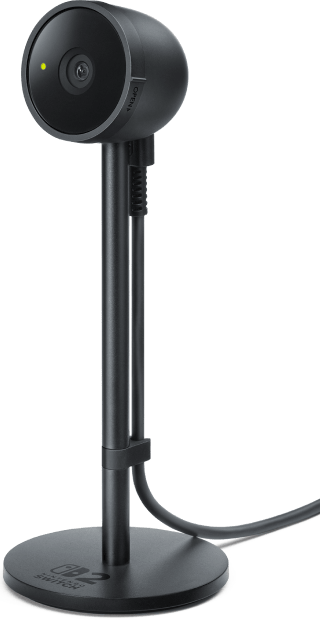
Use this slot for motion, microphone, camera, or mouse-control coverage.
Click any card to zoom the image. Mix product shots, character art, and gameplay screenshots.

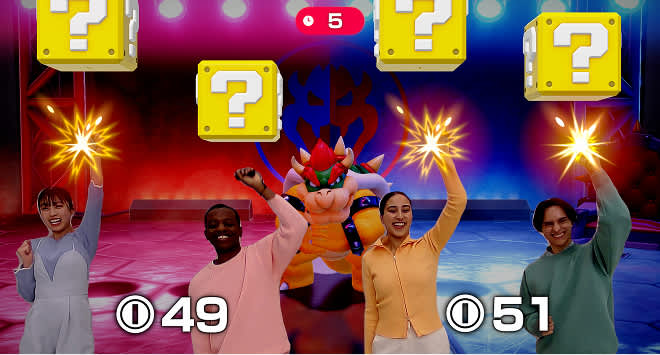
Use this block for the upgraded release and its feature set.
The Switch 2 edition introduces a TV-style presentation layer and new hardware-driven play.
Use the camera art in a section that explains on-screen face overlays and video support.
These official character artworks are ideal for a wiki intro or side character strip.
Bright, clean character art with strong contrast for a wiki hero strip.
Use this for a character grid, roster panel, or support role card.
Great for duo cards, rival sections, or character matchup panels.
A broad promo image works well when a section needs extra visual impact.